
WordPress 7.0 is officially here.
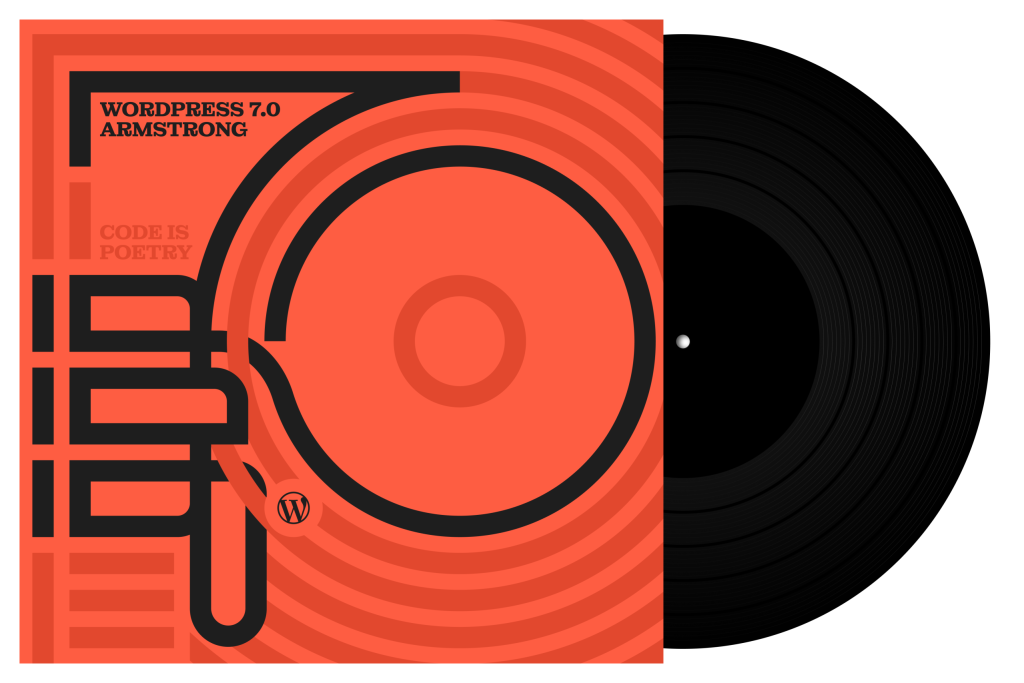
Released on May 20, 2026, WordPress 7.0 is named “Armstrong” in honor of jazz legend Louis Armstrong. This release is more than a visual update. It sets a new direction for WordPress with AI foundations, a refreshed dashboard, stronger design controls, better editing tools, and new developer features.
For business owners, creators, agencies, and plugin developers, WordPress 7.0 is an important release. It makes WordPress feel more modern. It also prepares the platform for smarter workflows in the future.
A New Foundation for AI in WordPress
The biggest shift in WordPress 7.0 is AI integration.
WordPress now includes an AI Client in Core. This allows WordPress to communicate with generative AI models through a more standard system. It also introduces a central Connectors screen, where site owners can manage external connections from one place.
This matters because AI tools in WordPress have often worked in separate ways. One plugin may ask for an API key. Another plugin may use a different settings page. WordPress 7.0 starts solving that problem with a shared foundation.
The optional AI plugin can add tools for tasks like:
- Generating titles
- Creating excerpts
- Suggesting alt text
- Generating images
- Editing images
This does not mean every WordPress site will instantly become AI-powered. It means WordPress now has the base structure for AI tools to work in a cleaner and more reliable way.
For plugin developers, this is a major opportunity. AI features can now be built around WordPress standards instead of custom systems.
A More Modern WordPress Dashboard
WordPress 7.0 also brings a refreshed admin experience.
The dashboard has a cleaner color scheme, updated interface details, and smoother transitions between admin screens. The goal is simple. WordPress should feel easier to use and more modern during daily work.
There is also a Command Palette shortcut in the admin bar. Users can open it with Cmd + K or Ctrl + K. This makes it faster to reach common tools while working inside the dashboard.
For teams that manage content every day, these small changes matter. They reduce friction. They also make the admin area feel more focused.
Better Font Management for All Themes
The Font Library is now more useful.
In WordPress 7.0, font management works across block, hybrid, and classic themes. This means more site owners can install, upload, and manage fonts from one place.
This is valuable for brand consistency. A business website should look polished across every page. Easier font control helps teams maintain that look without extra technical work.
Visual Revisions Make Editing Safer
Revisions are easier to understand in WordPress 7.0.
The new visual revision experience lets users review changes with a slider. It also shows visual markers for what changed on the page. This makes it easier to compare versions and restore the right one.
For content teams, this is a practical improvement. Mistakes happen. Design changes get tested. Pages evolve over time. Visual revisions make that process clearer and safer.
New Design Tools for Better Pages
WordPress 7.0 gives users more control over design.
The release adds new blocks and improves existing design tools. These include:
- A new Heading block
- A new Breadcrumbs block
- A new Icons block
- Gallery lightbox slideshow support
- Block-level custom CSS
- Better responsive controls
The responsive controls are especially useful. Users can now hide or show blocks based on device size. This helps teams create cleaner mobile layouts without affecting the desktop version.
For business websites, this can improve the user experience. A section that works well on desktop may feel too heavy on mobile. WordPress 7.0 makes it easier to adjust that.
Better Navigation Overlays
Mobile navigation gets more flexible in this release.
WordPress 7.0 allows users and theme authors to design navigation overlays with blocks and patterns. Instead of using a simple menu list, you can build richer mobile menus with columns, typography, layouts, and custom close buttons.
This gives brands more control over one of the most important parts of a website. Mobile visitors need clear navigation. A better menu can improve browsing and reduce confusion.
Patterns Become Easier to Manage
Patterns are also improved.
In WordPress 7.0, patterns can behave more like a single unit. This makes them easier to move, edit, and style. Users can still make deeper changes when needed.
This is helpful for teams that use reusable sections across a website. Landing pages, banners, feature sections, and call-to-action blocks can be managed with less effort.
Important Developer Updates
WordPress 7.0 also brings meaningful developer improvements.
Developers can now create blocks and patterns on the server level with PHP. This reduces the need for heavy JavaScript workflows in some cases.
Other developer updates include:
- A more extensible Site Editor
- Site Editor routing improvements
- A new @wordpress/boot package
- Interactivity API updates
- DataViews and DataForms improvements
- Block Bindings API updates
- A new plugin list filter
These changes will matter most to theme builders, plugin developers, and agencies. They give developers more ways to extend WordPress while staying closer to Core patterns.
Performance and Accessibility Improvements
WordPress 7.0 also includes performance and accessibility updates.
The release improves image loading priority. This helps prevent hidden images in navigation overlays or interactive blocks from hurting important page loading behavior.
It also improves on-demand block stylesheet loading in classic themes. Script module support is stronger too.
Accessibility improvements include better media management, voice control usability, editor navigation, and color contrast in the new admin scheme.
These updates may not feel flashy. But they help make WordPress more stable, usable, and reliable.
What Site Owners Should Do Before Updating
WordPress 7.0 is a major release. Site owners should update carefully.
Before updating, follow this checklist:
- Take a full backup of your site.
- Check your PHP version.
- Test the update on a staging site first.
- Update plugins and themes.
- Check custom blocks and theme features.
- Review forms, checkout pages, and key landing pages.
- Test the mobile menu and responsive layouts.
- Confirm that caching and performance tools still work.
- Review any AI-related plugin settings.
- Update the live site only after testing.
WordPress 7.0 raises the Core minimum PHP version to 7.4. WordPress.org also recommends PHP 8.3 or greater for a modern hosting setup. If your site is on old hosting, check this before updating.
Final Thoughts
WordPress 7.0 Armstrong is a forward-looking release.
Its biggest value is not one single feature. Its value is the foundation it creates. AI tools now have a clearer path inside WordPress. The admin feels more modern. Design controls are more practical. Developers get stronger tools. Content teams get safer editing workflows.
For site owners, this release is a sign that WordPress is preparing for the next stage of website building.
If you manage a business website, WordPress 7.0 is worth planning for. Test it well. Update with care. Then use the new tools to build a faster, clearer, and more flexible website.
Sources reviewed: