
 ProductBay Course
Tame a huge catalog without slowing your store.
Follow Sam, a hardware store owner with thousands of SKUs, as he turns an endless shop into a fast, searchable catalog table. Free plugin, no code.
Sam runs Forge & Field, a hardware store with thousands of SKUs. The default shop is endless pages of cards, and customers give up before they find the right bolt. Sam needs density, speed, and a way to navigate a huge catalog.
Put the catalog in a fast table
Sam builds a table sourced from All Products, then leans on pagination so a huge catalog loads in manageable pages rather than one giant scroll.
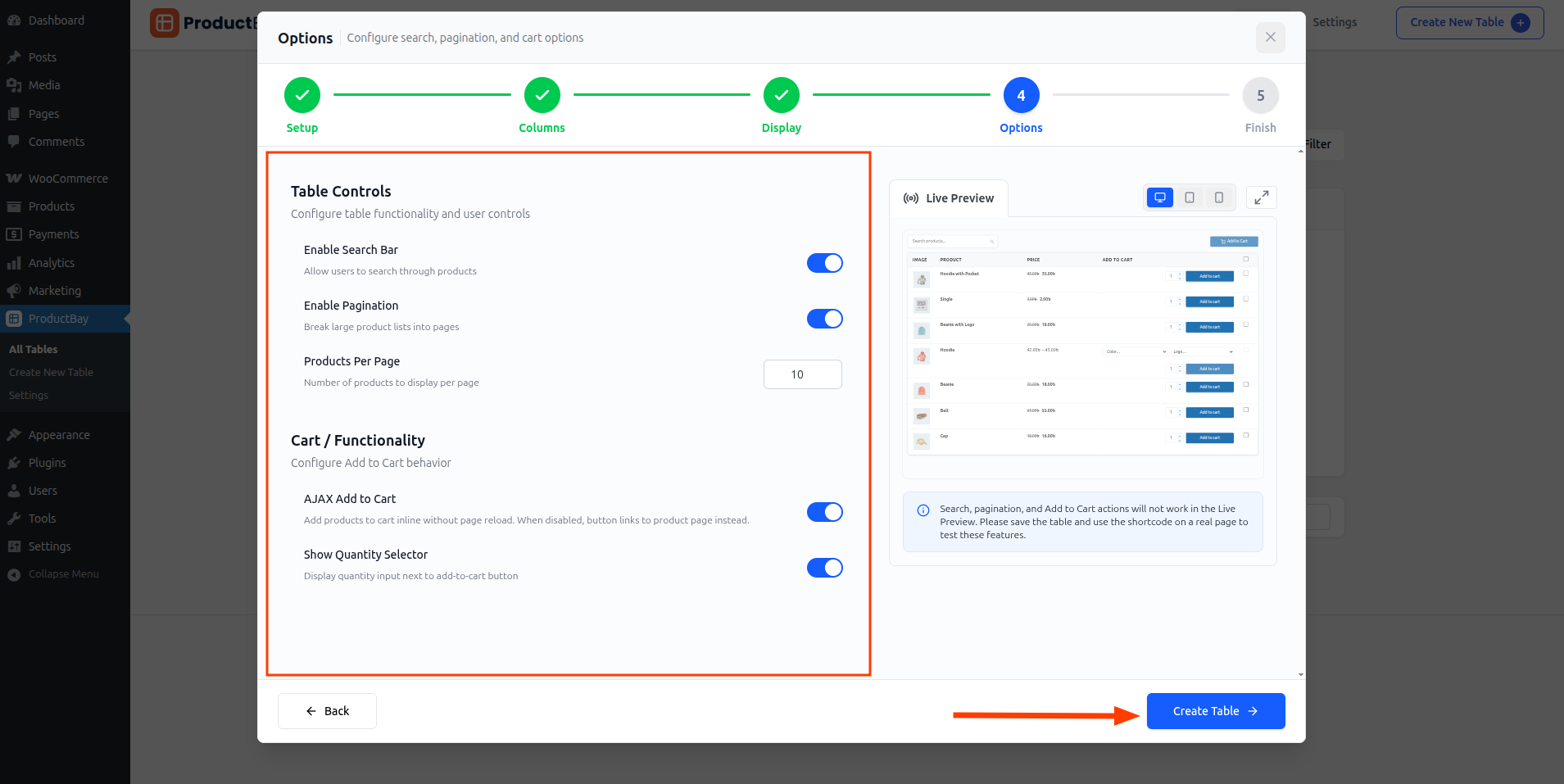
Make thousands of items findable
In Options he turns on search and category and product-type filters. On the live page these narrow the catalog instantly, with no reloads.
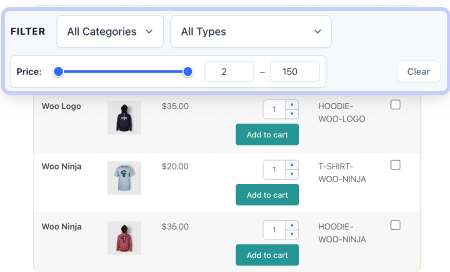
Pick the columns that matter for hardware, like SKU and stock, and hide the less useful ones on mobile with per-device visibility so the table stays readable.
Keep the store fast
Sam worried a big table would slow his site. It does not: ProductBay only loads its assets on pages that contain a table, and it caches product queries, so the rest of the store stays quick.
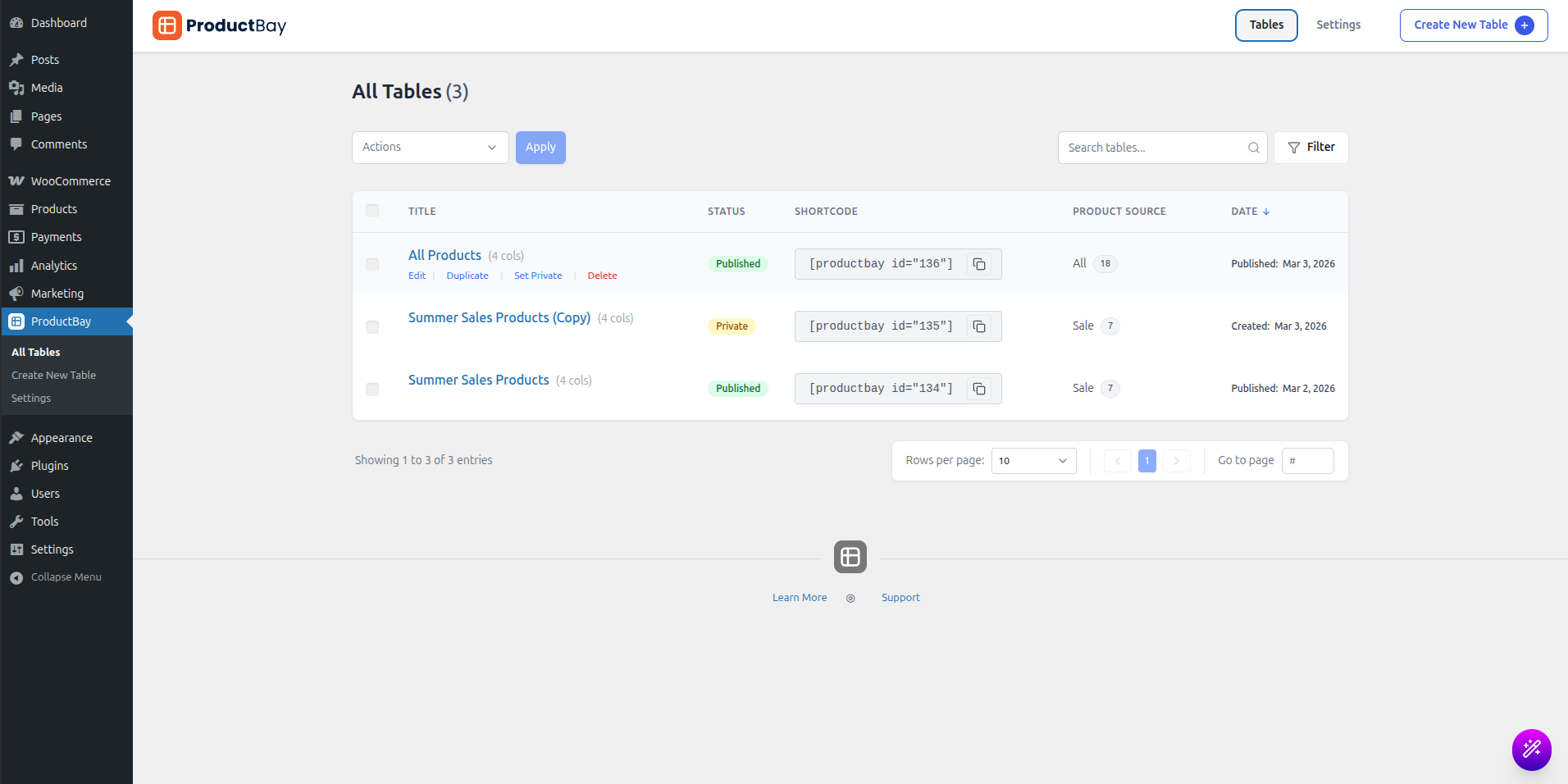
Forge & Field’s catalog page went from a scroll marathon to a search-and-filter tool. Customers find the right part in seconds, and the site stayed fast.
Make your big catalog usable.
Install ProductBay free and turn thousands of products into a fast, searchable table.