
 ProductBay Course
Sell sizes and bundles straight from the table.
Follow Theo, an apparel store owner, as he lets buyers choose a size and add to cart inline, no extra page loads. Free plugin, no code.
Theo runs Tidal Threads, an apparel store where almost everything comes in sizes and colors. In a normal shop, every variation means another click into the product page. He wants buyers to pick a size and add to cart right from the table.
Know your product types
ProductBay supports all four WooCommerce product types: Simple, Variable, Grouped, and External or Affiliate. Theo’s catalog is mostly Variable products, like a tee in five sizes.
Let buyers choose options in the row
In the Options step Theo sets the display mode for variable and grouped products. On the free plugin, buyers pick options from inline dropdowns right inside the row, then add to cart without leaving the table.
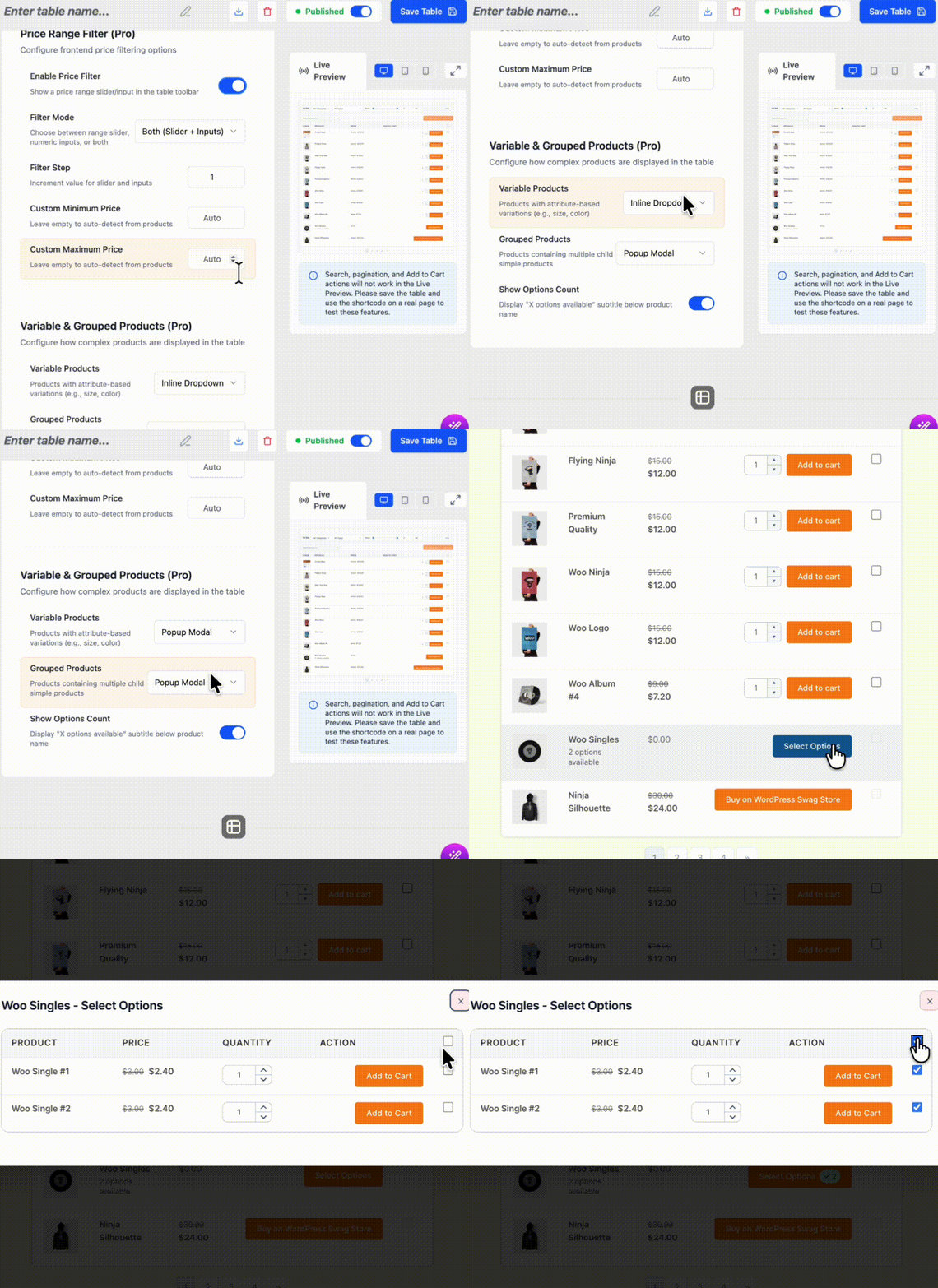
Inline variation dropdowns come with the free plugin. ProductBay Pro adds popup and nested display modes for more complex variation sets.
Publish and test
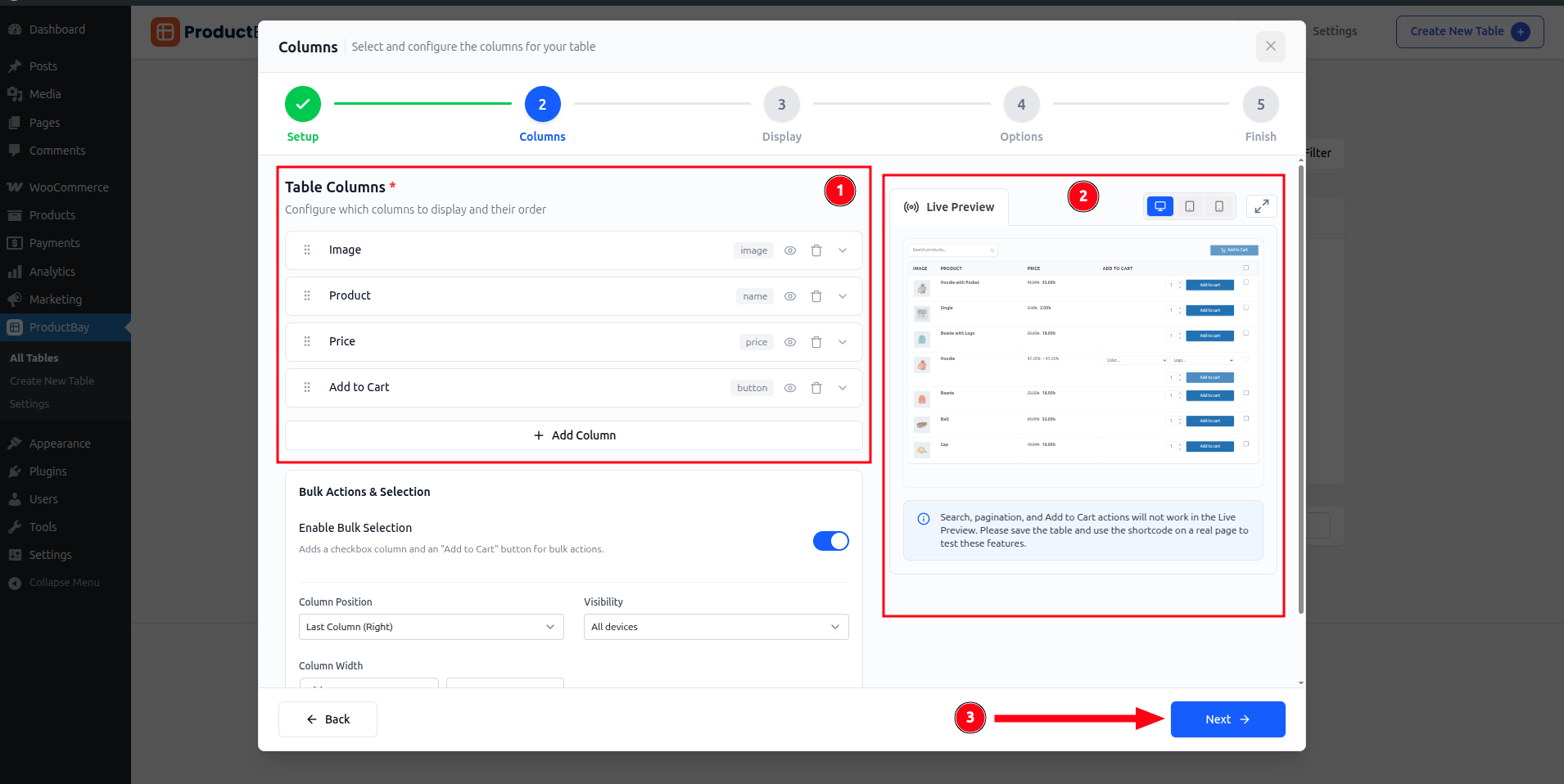
Because cart actions do not run in the wizard preview, Theo saves the table and opens it on a live page to confirm the size picker and add-to-cart flow work end to end.
At Tidal Threads, buying a shirt in the right size is now one row, one dropdown, one click. Theo cut a pile of extra page loads out of every order.
Sell variations faster.
Install ProductBay free and let customers pick options right inside the table.