
 ProductBay Course
Scale your store with ProductBay Pro.
Follow Owen, whose store outgrew its first setup, as he layers ProductBay Pro on a strong free foundation. Start free, grow when ready.
Owen’s store outgrew its first setup. He has custom product data to display, hundreds of tables to manage, and buyers asking for finer filtering. He has squeezed everything he can from the free plugin, and he is ready for more.
Start with a strong free foundation
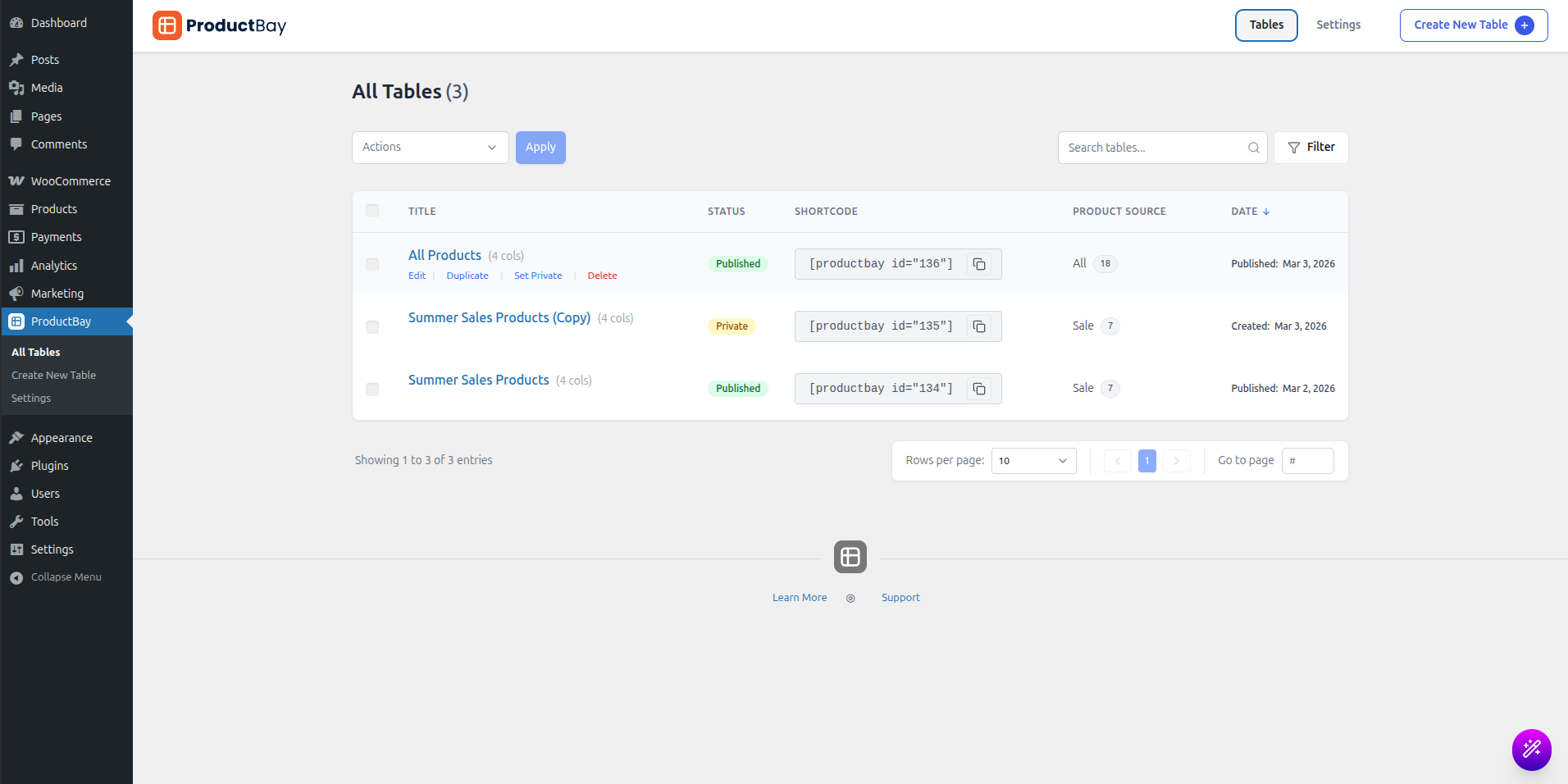
Everything in these courses runs on the free plugin, and it stays the core: ProductBay Pro is an add-on that needs the free version installed and active. So Owen keeps his free setup and layers Pro on top.
What Pro adds
- Custom field columns
Show ACF and Meta Box fields as columns, ideal for specs, case packs, or per-customer codes.
- Combined column builder
Merge several fields into one tidy column.
- Advanced filtering
Add a dedicated price-range filter and richer controls.
- Variation display modes
Use popup and nested modes for complex variable and grouped products.
- Import and export
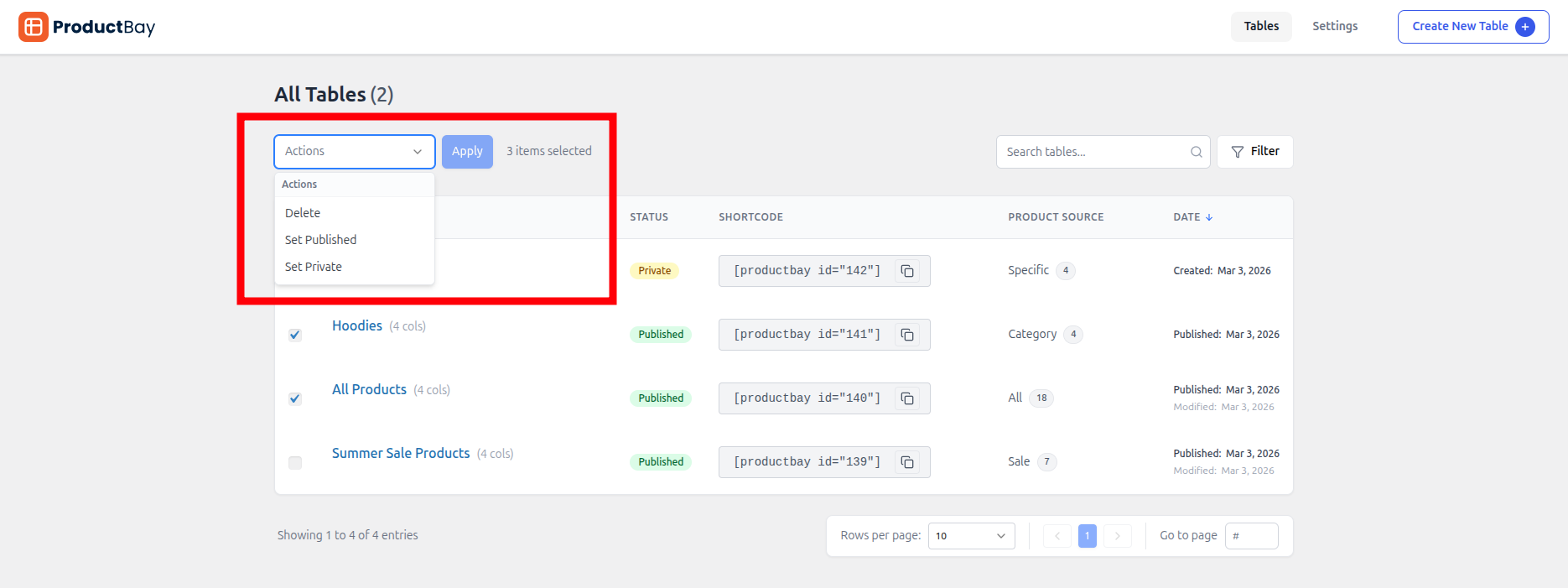
Move table configurations between sites, and bulk-export from the dashboard.
- Lazy loading and priority support
Defer offscreen rows on huge tables, and reach the front of the support line.
Pro installs as a separate plugin: upload it, activate it, then enter your license key under ProductBay, Settings, License. The free core must stay active.
Grow when you are ready
There is no rush. Build everything you can on free, and reach for Pro only when a specific need appears. That way you only pay for power you will actually use.
Owen kept his free foundation and added Pro for custom fields and filtering. His store scaled without starting over.
Build on free, scale with Pro.
Install ProductBay free first. It is the foundation every Pro feature builds on.