
Daniel’s Monday-morning problem
Meet Daniel. Every week his cafe accounts email long order lists he keys in by hand. In this lesson you will install ProductBay alongside him and set up the fix.
Daniel runs Northwind Supply, a small wholesaler that sells coffee beans, syrups, and gear to local cafes. Every Monday his accounts email him the same way: a list of forty or fifty items typed into the body of an email, or a marked-up PDF.
He keys each order in by hand. It is slow, and a wrong line now and then costs him a delivery. He knows his WooCommerce catalog is already there, the buyers just cannot order from it quickly. Today he changes that.
You will follow Daniel from a fresh install to a real wholesale order form. We start by getting ProductBay in place.
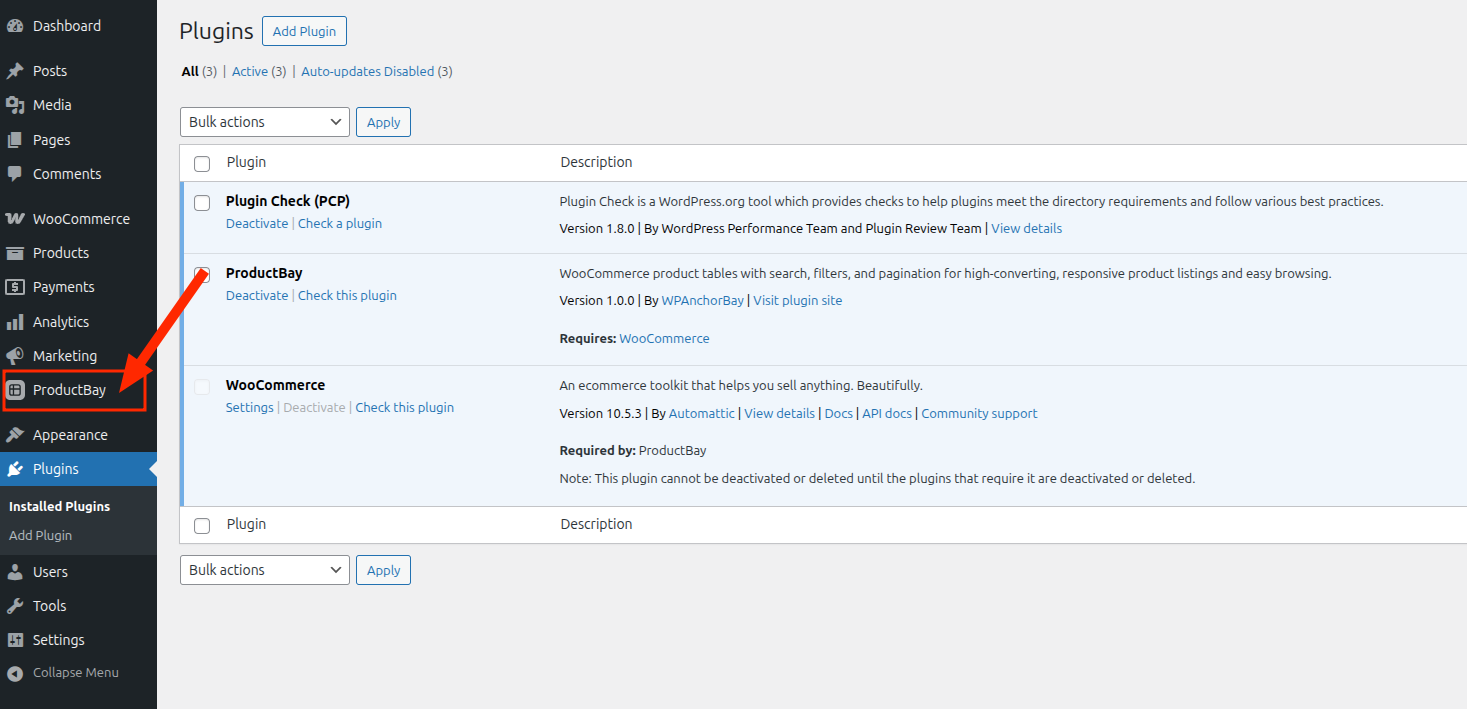
Open ProductBay
After installing and activating the free plugin, Daniel opens ProductBay from his WordPress admin sidebar.
The table builder opens with a wizard, ready to turn his catalog into an order form.
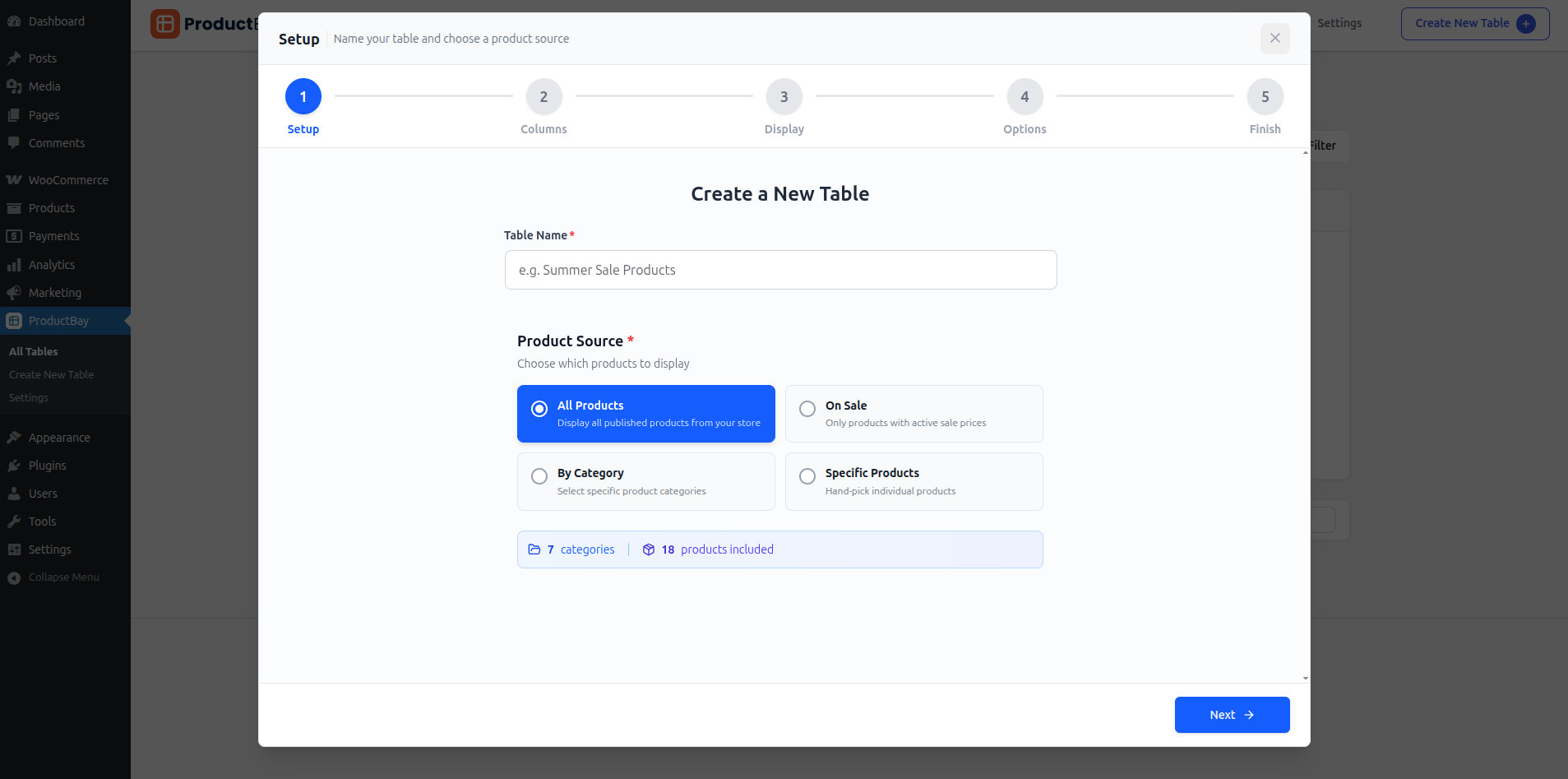
ProductBay reads your existing WooCommerce products, so your wholesale catalog stays exactly where it is. The table simply presents it in a faster way. It runs on WordPress 6.8 or higher.
Daniel’s catalog has not changed, but he is one wizard away from letting buyers order from it directly. Next, he builds the order form itself.
Start where Daniel started.
Install ProductBay free and follow along as you build a real order form for your accounts.